 connectLS
One click.
One human connection.
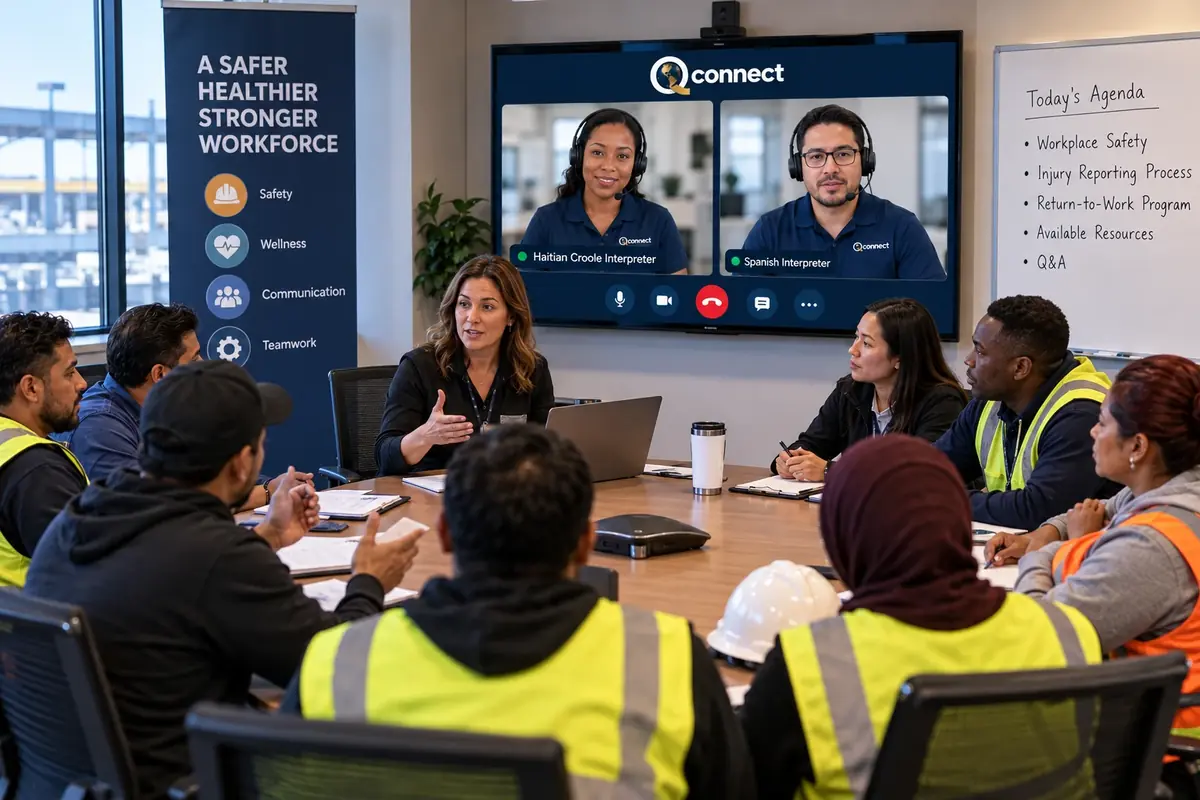
Talk with a QMG interpreter from your phone, tablet or computer — by internet audio or video. See who is available before you ask. Haitian Creole first, with Spanish and French.
Audio $1.05/min · Video $1.35/min · first 15 seconds free · billed per minute on your monthly invoice · All prices
Clear communication. Safer workplaces. Better outcomes.
Who can answer right now
Checking…
Everything QMG does, in the same app
Qconnect LS is the fastest way to reach an interpreter, and the rest of QMG is one tap away. One account for everything: the same sign-in works in Qconnect LS, My Business, translation orders and on-site bookings.
From "I need an interpreter" to talking — in the browser
No phone tree and no app to download. Qconnect runs in Chrome, Edge, Safari and Firefox on phones, tablets and computers.
Choose the language
English ↔ Haitian Creole, Spanish or French — and audio or video.
See who's available
Live counts of qualified interpreters for that language before you commit.
Tap "Request an interpreter"
The first available interpreter accepts and joins you on the same screen. If no one is free, nothing is charged.
Made for workplaces
Big buttons, plain screens and a clear connection status — so a supervisor can use it the first time, without training.
Put Qconnect LS on your phone
Qconnect LS installs straight from this page, with no app store and no download. It gets its own icon on your home screen, opens full screen and updates itself.
Android, Chrome or Edge
Tap Install Qconnect LS below. If no button appears, open the browser menu (⋮) and choose Install app or Add to Home screen.
iPhone or iPad
Open this page in Safari, tap Share (the square with the arrow), choose Add to Home Screen, then tap Add.
Computer
Use Qconnect LS right here in Chrome, Edge, Safari or Firefox. In Chrome or Edge you can also click the install icon in the address bar.
✓ You are using the Qconnect LS app.
First time on a new phone? Run the 1-minute device check so your microphone, speaker and connection are ready before you need an interpreter.
Private by design
Encrypted in transit
Qconnect uses WebRTC, which encrypts every audio and video stream (DTLS-SRTP). Pages and set-up messages use HTTPS.
Not recorded
QMG does not record Qconnect sessions. Audio and video are never stored on our servers.
Only what billing needs
We keep the time, language, length and connection quality of each session — never what was said. Records are deleted after 24 months.
Audio and video travel directly between the two devices when the network allows; on strict networks they pass, still encrypted, through a relay server. Connection helpers (STUN servers) see device IP addresses only. Clients see an interpreter ID, not the interpreter's name. Please don't share medical record numbers or case files in a Qconnect session unless your organization's policy allows it.
Ready when you are
Create a free account in a minute, sign in, and request an interpreter — you can start right away and finish setting up your billing details as you go.